Social Media Links
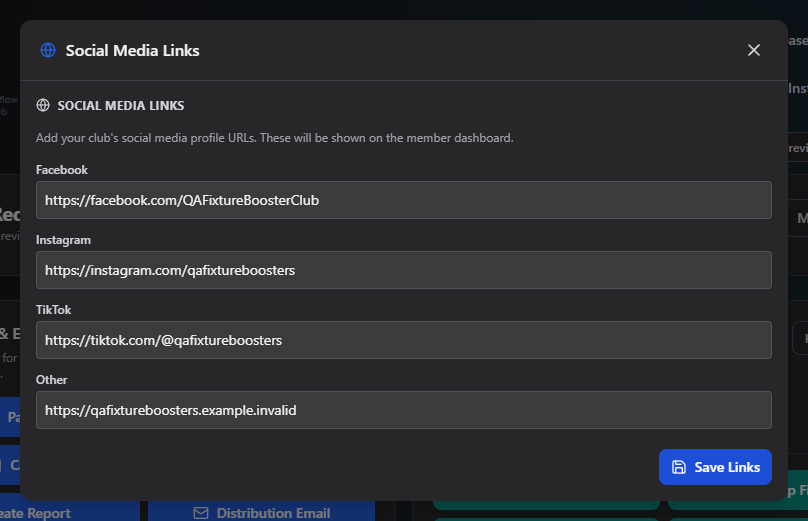
Social Media Links adds your club's social profile URLs so members can find and follow you from their own dashboard.
Where to find it: Club Operations card → Social Media Links button
Who can use this: Only your Club Admin account.
What you can do here
Fill in any of the four fields — all are optional, and you can leave any of them blank:
| Field | Notes |
|---|---|
| Your club's Facebook page URL | |
| Your club's Instagram profile URL | |
| TikTok | Your club's TikTok profile URL |
| Other | Any other link — a website, YouTube channel, etc. |
Click Save Links when you're done. You'll see a "Social media links saved." confirmation.
Common questions
Do these links show up anywhere other than the member dashboard? This manual only covers what you configure here on the admin side. Check your member dashboard directly to confirm exactly how and where they appear.
Related
- Club Profile — the rest of your club's public identity