Archived Members
Archived Members is a separate, read-only list of members who were archived — typically at year-end for anyone who didn't renew — kept for your records without cluttering the active list.
Where to find it: Membership & User Setup card → Manage Users → Archived tab
Who can use this: Club Admins, and board members granted Manage Members.
What you can do here
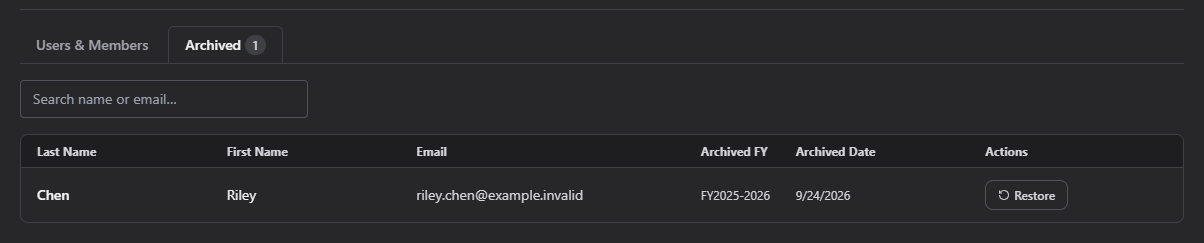
Search the archived list the same way as the active list. Each row shows the member's name, email, the fiscal year they were archived in, and the date archived.
Click Restore on a row to bring that member back to the active list — you'll be asked to confirm first.
Related
- Manage Users — the active list this archive was pulled from