Reset a Password
Use this when someone can't sign in and needs a new password.
Where to find it: Membership & User Setup card → Manage Users → a row's Reset Password button
Who can use this: Club Admins, and board members granted Manage Members.
Note: If the person's member record is archived, you'll see a warning before you can continue.
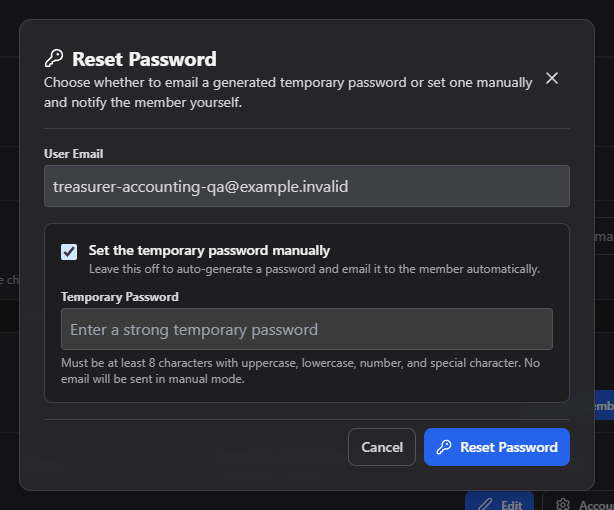
What you can do here
Choose one of two ways to reset the password:
- Email a temporary password (default) — the system generates a random temporary password and emails it to the person directly. You don't see it.
- Set a temporary password by hand — type a password yourself (at least 8 characters, with an uppercase letter, a lowercase letter, a number, and a special character). No email is sent in this mode — you're responsible for getting the new password to them yourself.
Common questions
Which option should I use? Emailing is simplest if the person's email still works. Set one by hand if you're helping them in person, or their email is unreachable.
Related
- Manage Users — back to the full list
- Edit Account — fix contact details if their email is wrong