Polls
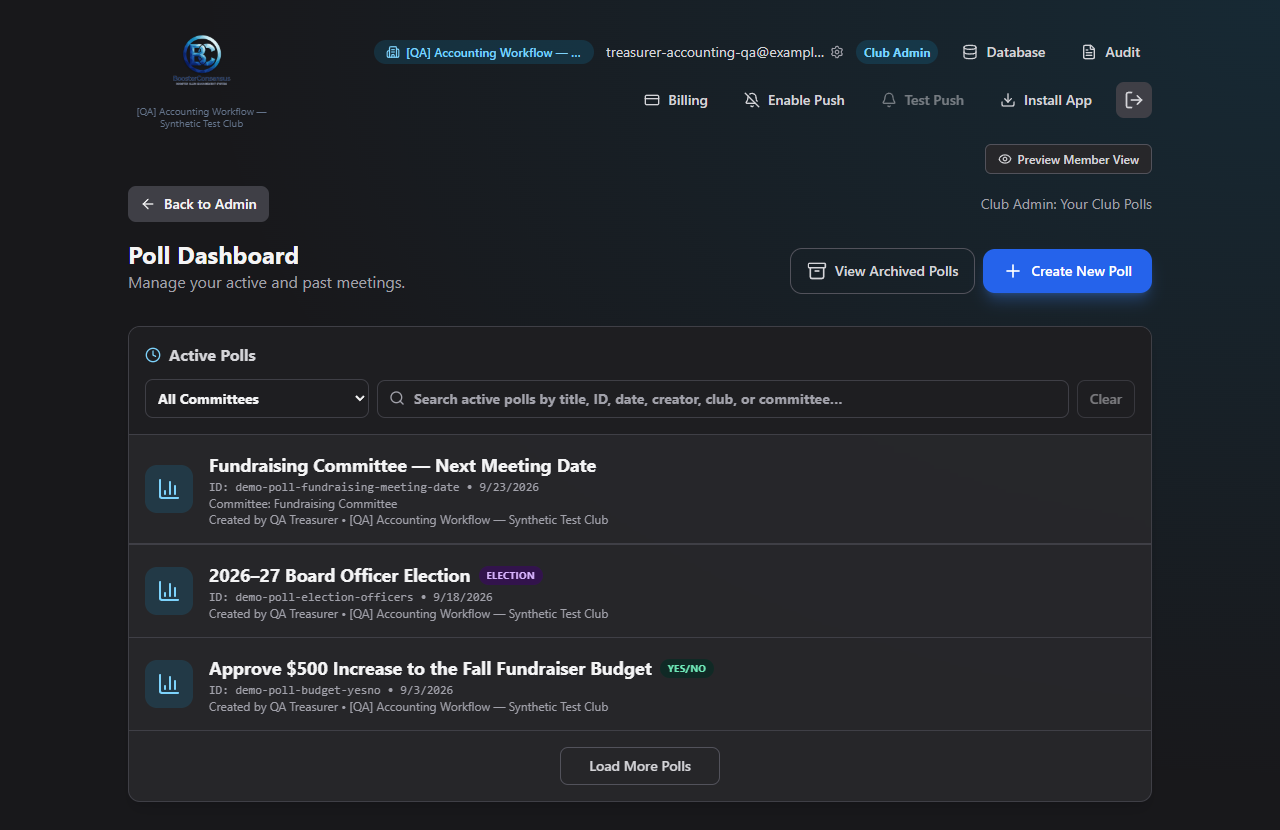
Polls covers everything to do with voting: scheduling a meeting date, running an election for board offices, taking a simple yes/no vote, or polling a list of options — plus viewing what's been archived.
Where to find it: Governance & Permissions card → View Polls / View Archived Polls / Create Poll buttons
Who can use this: Club Admins, and board members granted the Create Polls permission.
What you can do here
- Browse active and archived polls — search, filter by committee, archive, delete, and open any poll
- Create a poll — Meeting Date, Options, Yes/No, or Election, and manage it through Setup, Participants, Collect Votes, and Results
Where to start
- Click Create Poll — it opens immediately into a new poll's editor; there's no separate "new poll" form to fill out first.
- Work through the tabs: pick a poll type and its options, add participants, email out the voting links, and check results as votes come in.
- Come back to View Polls any time to reopen, archive, or delete a poll.
Related
- Committees — meeting-date polls can be tied to a committee, and a winning date can be recorded straight into that committee's schedule